How to Choose a Template
Learn how to browse and select the perfect template for your needs
Template Overview
LightPage offers over 2 million template combinations across 13 themes and 30 layouts. Find the perfect design for your needs.
Step 1: Browse Templates
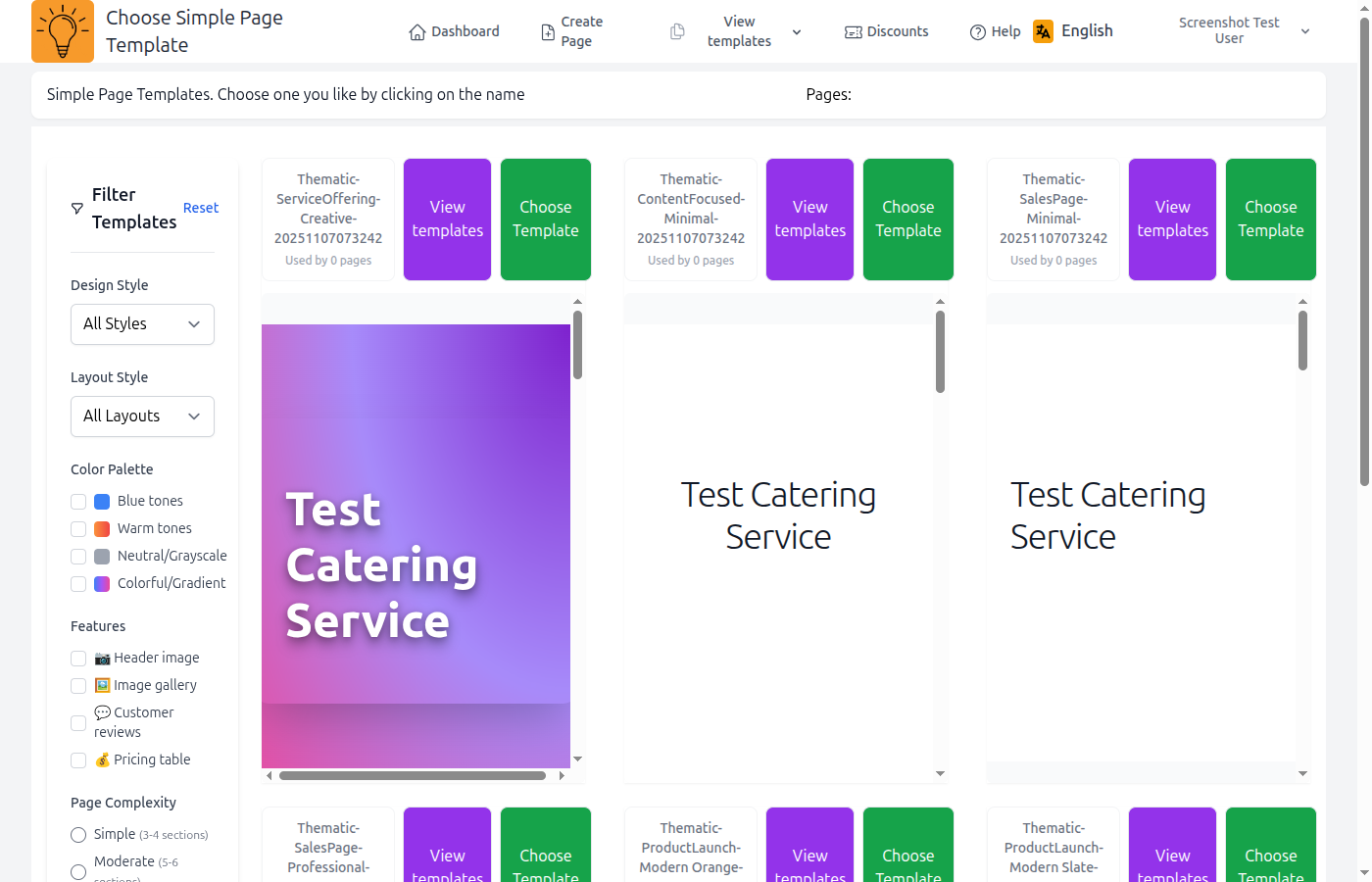
Access the template gallery from your page editor.
- Open your page in edit mode
- Click "Browse Templates" or "Change Template"
- Use filters to narrow down your choices
Using Filters
Filters help you find the perfect template faster.
Design Style
Choose from 13 professional themes:
Layout Style
Select your preferred page structure:
Features
Filter by components: hero sections, galleries, testimonials, contact forms, and more.
Step 2: Preview Templates
Click on any template to see a full preview before applying it.

Tip
Try different templates! Previewing is free and you can change templates as many times as you want.
Step 3: Apply Template
Once you've found the perfect template, click "Select Template" to apply it to your page.
Important
Your content will be preserved when changing templates. Only the design and layout will change.