Dashboard Overview
Learn how to navigate and use your LightPage dashboard
Learn how to navigate and use your LightPage dashboard effectively.
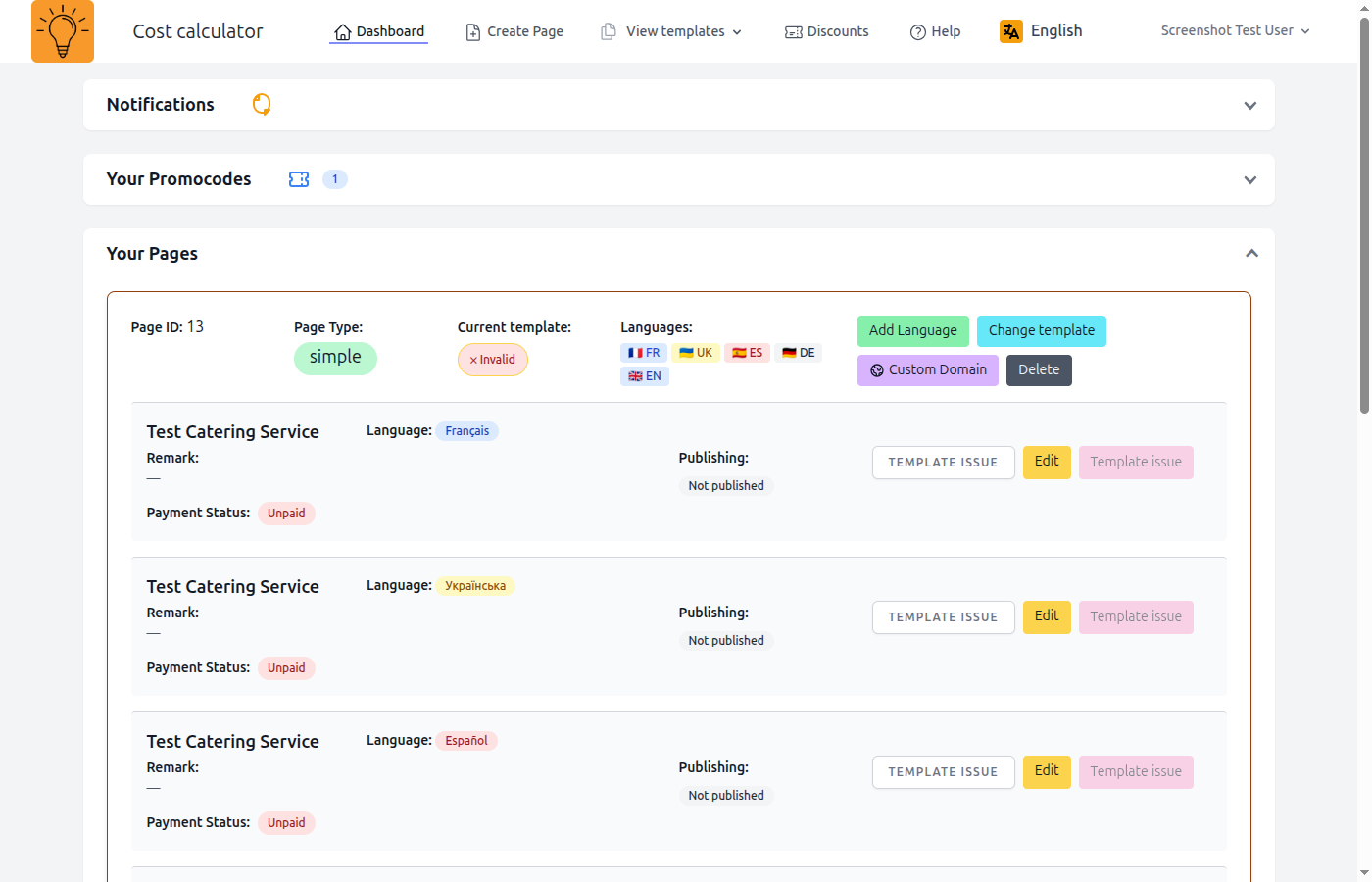
Main Dashboard Sections
Pages List
View all your landing pages in one place. See page status, language versions, and quick actions.
Create New Page
Click this button to start creating a new landing page. You'll choose a page type and template.
Page Actions
Each page has quick actions: Edit, View, Duplicate, and Delete.
Navigation Menu
Access different sections: Dashboard, Templates, Billing, Settings, and Help.
Next Steps
Related Articles
Was this article helpful?